
Plan Your Sponsorship Year
Set the cycle, dates, goal, and package levels so the rest of the year has one shared plan.
What good looks like
Before you send a single pitch, the year itself is planned. You know what this cycle is for, when it starts and ends, what companies can buy, and what success means in dollars.
Most chapters run sponsorship in cycles: an academic year, a flagship event season, a fiscal window. Inside that cycle you publish package levels (Gold, Silver, Bronze, or whatever fits your audience) with clear amounts and benefits. You also set a fundraising goal so the team can see progress without opening a dozen spreadsheets.
Where it usually breaks
- Dates and packages live in a PDF that nobody updates after the first custom ask.
- Last year’s amounts get reused without checking what actually closed.
- Nobody can answer “are we halfway there?” without a frantic tally.
- Next year’s chair inherits a folder, not a plan they can reopen.
How Anchor helps
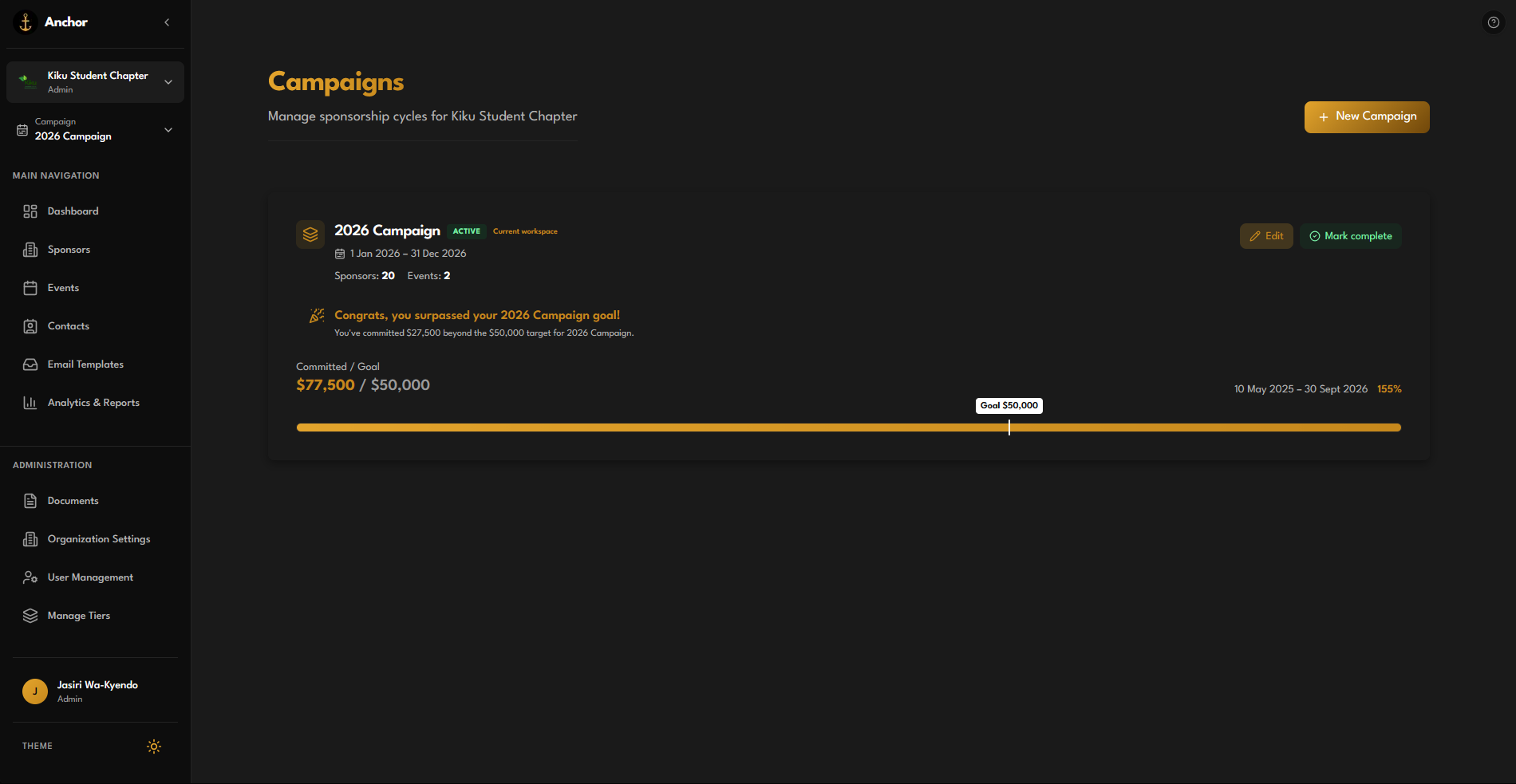
In Anchor, that plan is a Campaign. Create or open this year’s campaign, set dates and status, and attach a sponsorship goal. Package levels live as Tiers for that campaign so historical amounts stay frozen when you start next year.
From the campaign view you can see committed totals against the goal, and celebrate when you surpass it.
Try it
- Open Campaigns and select (or create) this year’s cycle.
- Set dates and a goal that matches what your board expects.
- Under Manage Tiers, define package levels and amounts for outreach.